








Lantis launches ‘de WerfApp’, giving users quick access to information about the Oosterweel works
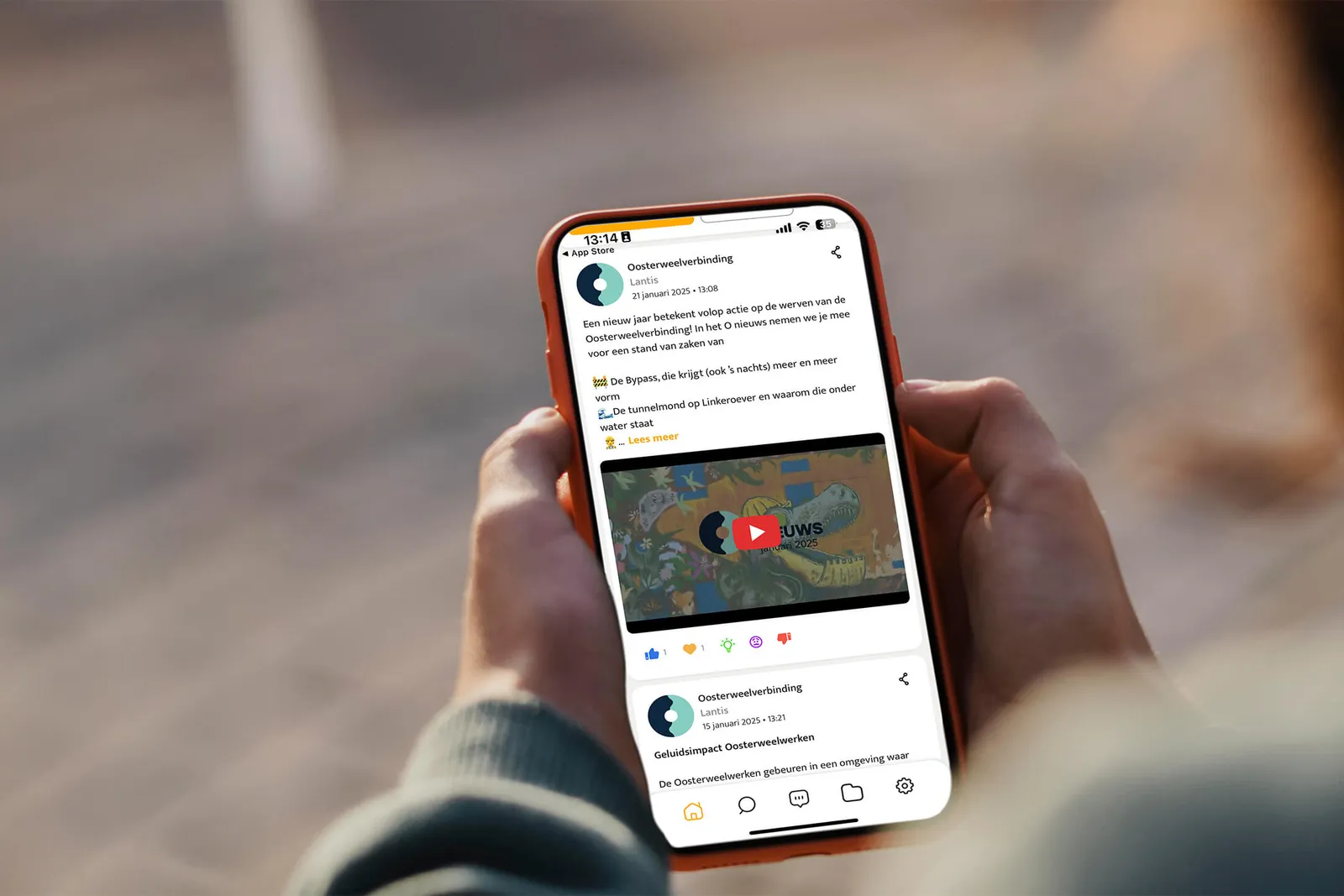
The Oosterweel construction sites are in full swing all along Antwerp’s north-eastern edge. There is plenty to see and experience everywhere, and plenty to tell people about too. To make the available information as accessible as possible to everyone, client Lantis is launching ‘de WerfApp’.
The app has been available in the Netherlands for some time and is widely used there to communicate about all kinds of infrastructure projects. Its main benefit for users is that they only need one platform to keep up to date with projects in their area.
“At Lantis, we want to be known for clear, straightforward communication with residents and users,” says Bart Van Camp, Director of Environment at Lantis. “We have been using traditional communication channels such as our website, social media, news bulletins and residents’ letters for some time. The WerfApp adds to what we offer, giving people detailed, up-to-date information directly on their mobile devices. Information will also be available in other languages, so users can read it in their own language.”
Behind the many construction site fences that now line Antwerp’s streets, our contractors are hard at work building a new city. Tunnels are taking shape, construction bridges and viaducts are rising from the ground, and new nature areas are emerging. The stories are countless, and we want to share them with even more people. With ‘de WerfApp’, you can receive updates about the works and the project, and get a unique glimpse behind the site fences. You can ask questions or report anything you notice around our site, such as unsafe situations.
Flemish version of ‘De Bouwapp’
Our neighbours to the north have been using this mobile app for some time. In the Netherlands, the WerfApp is called ‘de BouwApp’. Lantis took the initiative to bring the app to Flanders and will add its projects to it. The WerfApp is also open to other public and private clients. This is a first step towards making the WerfApp available for more than just Oosterweel, giving residents, businesses, the press and other authorities a handy overview of public works in their area.
How do you use the WerfApp?
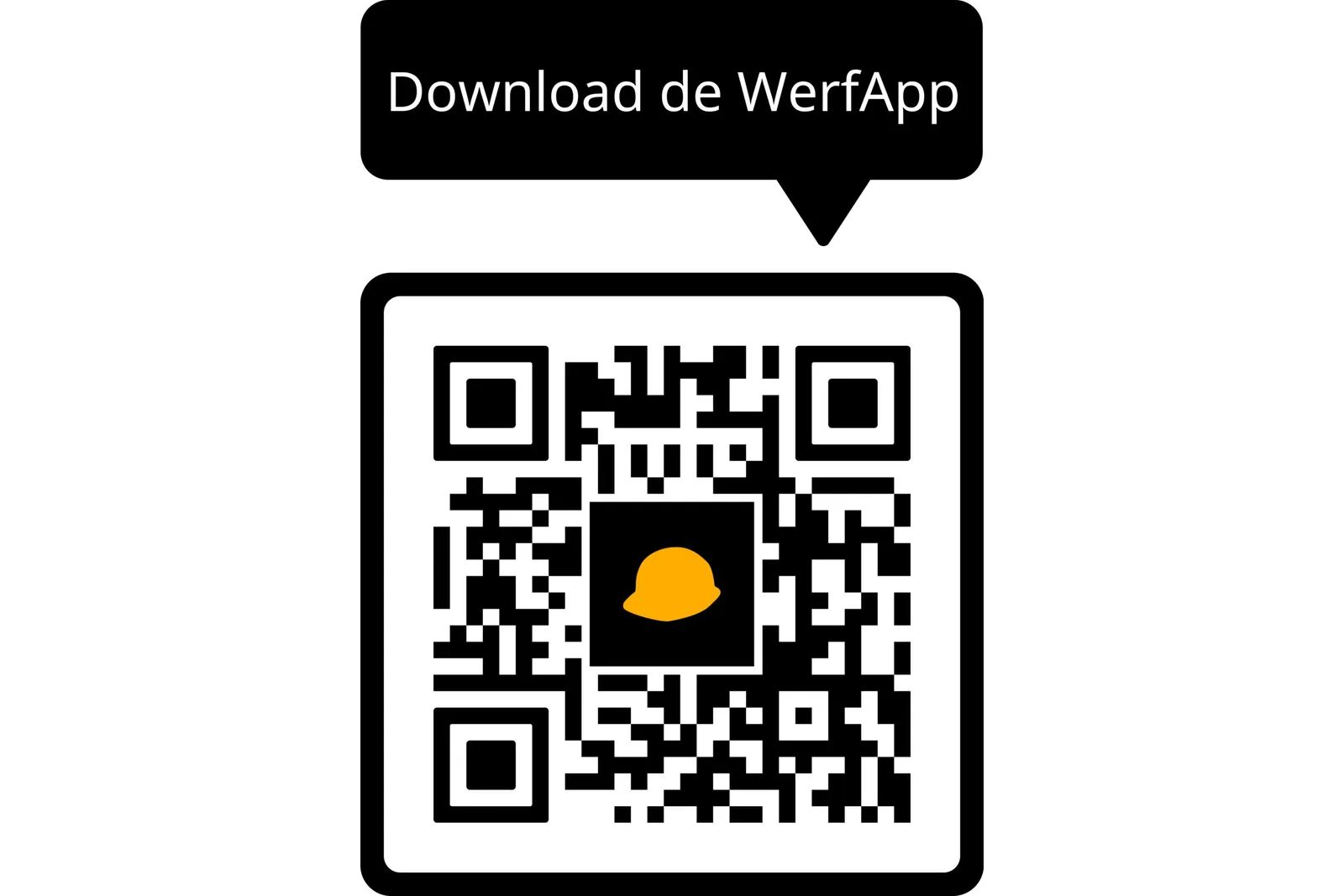
- Download the app: The WerfApp is available free of charge from the App Store and Google Play Store. Search for “WerfApp” or scan the QR code to install the app.
- Find the project: Open the app and search for “Oosterweelverbinding”.
- Choose your sub-project(s): Select the sub-projects you want to follow.
- Stay informed: Receive updates, notifications and images directly on your smartphone.
- Follow in your own language: Is your mobile device set to a language other than Dutch? You can translate the text in the WerfApp itself straight away!
Question about this story? Ask your question
Keep following this
Get an email when a new story is published. No account needed.
- SubjectRoad construction